Droidmaxxing my "ecosystem"
Knowing fully well that this will sound more dramatic than it is, I’d say my days of enjoying the walled garden are over.
This was not sudden. A mobile phone is probably the most crucial device most of us use, and for quite some time I had been feeling strangely inefficient with mine—an iPhone 14 Pro. Not because it was a bad phone. If anything, it was annoyingly good at being exactly what Apple wanted it to be.
This is the story of me reprioritizing what I need from a phone, finding something that does not constantly fight me, and then—quite predictably—taking it too far.
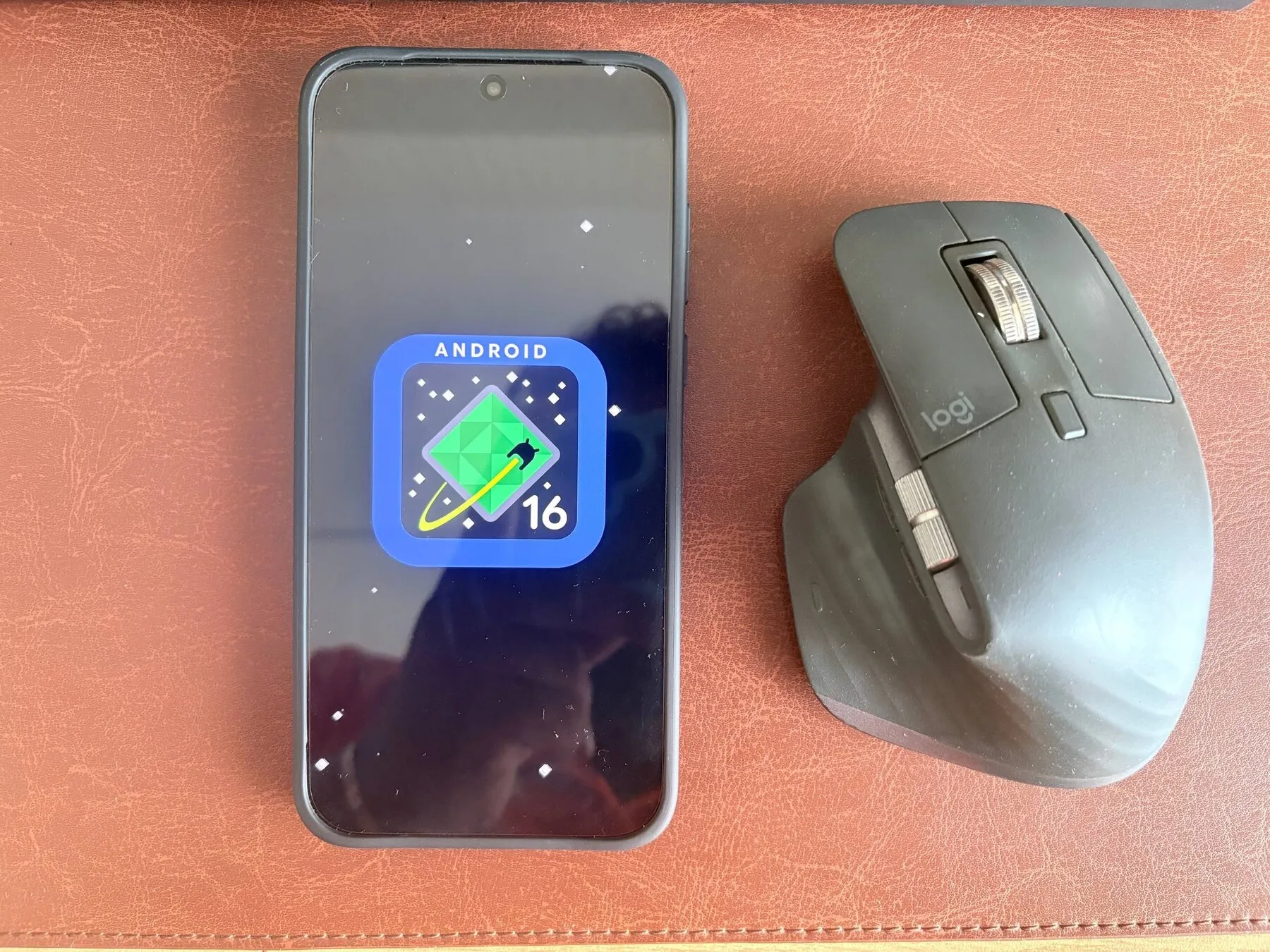
Android 16, with an MX Master included for an extremely scientific sense of scale.
The small frictions
The most literal example was Lightning, the bane of my existence for nearly seven years. The port seemed purpose-built to collect pocket lint until the cable stopped seating properly. I had to get it cleaned once, and later learnt to clean it myself when it inevitably happened again.
Meanwhile, almost everything else around me had moved to USB-C. Carrying a separate cable for the most important device I owned became a small but remarkably persistent annoyance.
To be fair, newer iPhones have USB-C now. My wife uses one, and it is much better. But that does not refund the seven years I spent locked into Lightning cables and adapters.
Then there was the degradation in general. The camera had felt genuinely good when the phone was new; by the end, it simply did not. Maybe the competition moved forward, maybe my expectations did, or maybe years of software updates changed the processing. Whatever the reason, I had stopped trusting the camera to produce something I would like.
The software was not clunky—it remained recognisably smooth—but it ate juice like crazy. Cosmetic improvements arrived too, but the refreshed UI elements felt like too little, too late. They changed how the phone looked without changing how constrained it felt.
None of these were dramatic failures. The phone still worked, and worked reasonably well. It was the accumulation of small frictions that got me: an obsolete connector, an ageing camera, disappointing battery life, and an experience I was already tired of.
The shortlist
Once I decided to leave the iPhone, I considered practically every route to a top-notch Android experience. Something close to stock Android was my highest priority, which immediately made the search awkward: the manufacturers with the most interesting hardware also tend to have the strongest opinions about how Android should look and behave.
Samsung was the easiest to rule out. One UI is probably the furthest major Android distribution from the stock experience, and from a software perspective it feels like exchanging one walled garden for another. I do not particularly like Samsung’s UI bits either, although their foldables look undeniably sleek.
Oppo—OnePlus’s posher cousin—had some excellent camera hardware, but ColorOS was not for me. I also have friends who tried Oppo phones and did not enjoy them, so call me biased.
The obvious nerd answer was to ignore the manufacturer’s software and flash a custom ROM. I deliberately ruled that out. Manufacturers build plenty of device-specific tuning into their software, particularly for cameras, displays, power management and other specialised hardware. A generic ROM can miss some of that, and long-term stability tends to be a sucker. I wanted to customise my phone, not adopt its maintenance as a part-time job.
The Google Pixel 10 Pro came closest. Google keeps its size and weight Apple-ish enough to make the migration feel familiar, and the software was exactly the sort of Android experience I wanted. Quite honestly, I could have bought one. Unfortunately, it was out of stock—and, secondly, the hardware felt too basic for its roughly €1,100 price. No silicon-carbon battery, no particularly adventurous hardware, and ultimately not enough to make the phone feel special.
Nothing was interesting for the opposite reason: it felt different, but it did not make what I considered a true flagship.
That left OnePlus—not because it perfectly satisfied the stock-Android requirement, but because it appeared to offer the least annoying compromise between clean software and hardware that was actually exciting.
The least compromised compromise
OnePlus won by offering the least compromised compromise. The hardware was top-notch, OxygenOS appeared about as close to stock Android as I could get without buying a Pixel, and the price was comparatively sensible.
Comparatively is doing important work there. It still cost too many hundreds of euros; it was price-effective, not cheap.
On paper, though, it had everything I wanted: flagship hardware without Samsung’s software garden, more ambition than the Pixel, and a default operating system I could reasonably live with. Or so I thought.
Spoiler: OxygenOS came with a lot of bloat.
That discovery is where buying an Android phone turned into droidmaxxing one.
The stock experience, apparently
My impression of OxygenOS as a clean, near-stock experience lasted roughly until I switched the phone on.
There were too many unwanted AI apps, duplicated utilities and vendor services. Worse, many of them introduced themselves by immediately asking for access to my location, contacts or the internet. The phone was new, but it already felt crowded with software trying to establish why it deserved to know me.
So I recruited an AI assistant as my co-conspirator, and together we evicted its less useful cousins from my phone. The irony was part of the fun.
We went through the installed packages over ADB, one group at a time. I did not root the phone, unlock its bootloader or replace OxygenOS. Most packages were removed only for my Android user, leaving their system APKs intact for recovery. OxygenOS protected a handful from normal removal, so those had to be suspended instead.
By the end, 28 packages had been removed for my user and four protected services had been suspended. That included unwanted AI components, vendor storefronts, promotional features, duplicated apps and various services I had no intention of using.
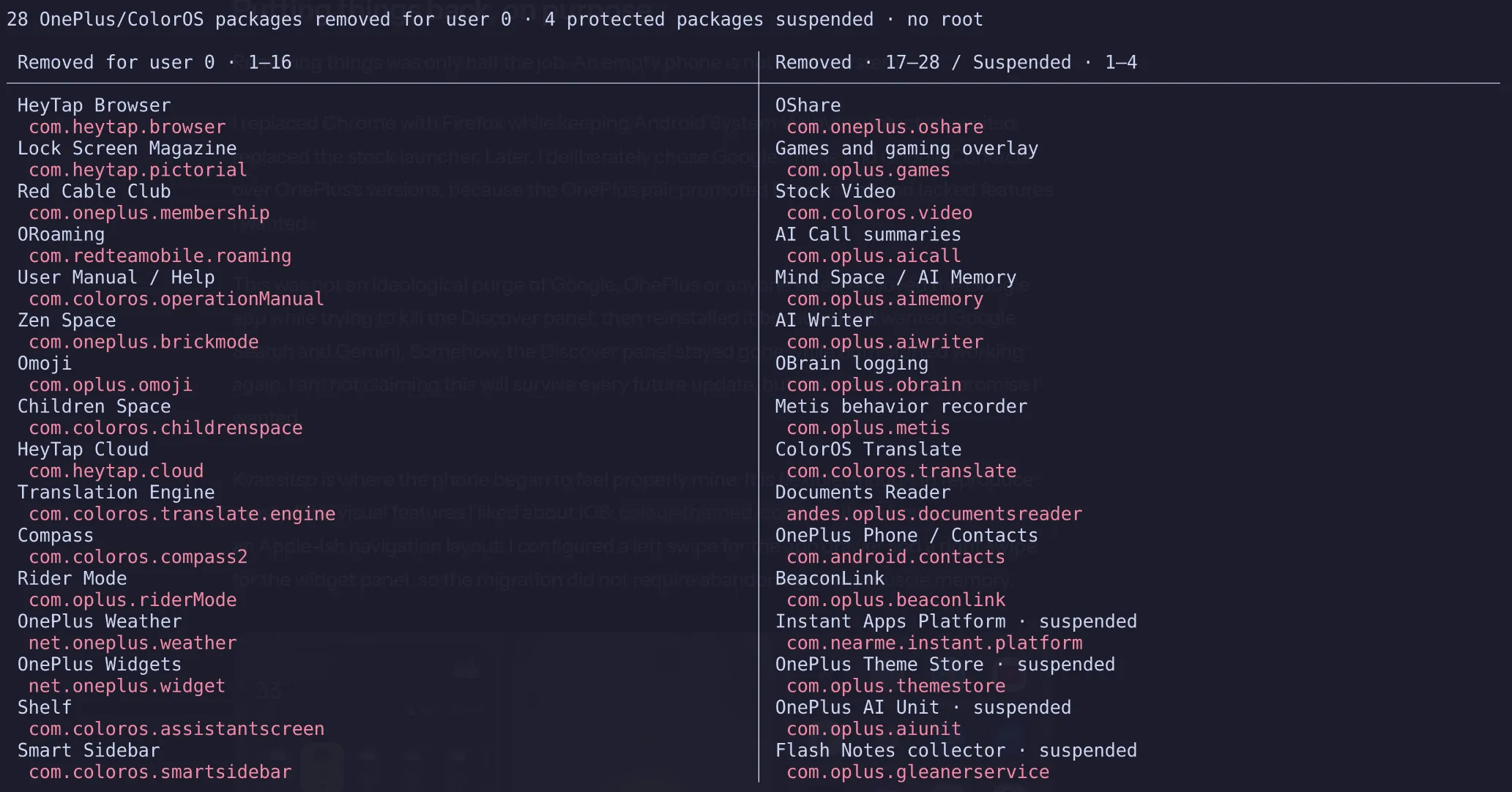
I did not delete everything whose package name looked suspicious. Telephony, updates, security, payments, the camera and core system components stayed untouched. A few questionable services also survived simply because the available evidence suggested that removing them could break battery reporting, the weather backend or, in the worst case, the phone itself.
This was not minimalism for the sake of winning a low package count. I wanted every visible part of the phone to either serve me or get out of the way.
Putting things back, on purpose
Removing things was only half the job. An empty phone is not an ecosystem.
I replaced Chrome with Firefox while keeping Android System WebView intact. Kvaesitso replaced the stock launcher. Later, I deliberately chose Google Phone and Google Contacts over OnePlus’s versions, because the OnePlus pair promoted BeaconLink and lacked features I wanted.
This was not an ideological purge of Google, OnePlus or anyone else. I removed the Google app while trying to kill the Discover panel, then reinstalled it because I still wanted Google Search and Gemini. Somehow, the Discover panel stayed gone while both started working again. I am not claiming this will survive every future update, but it is the exact compromise I wanted.
Kvaesitso is where the phone began to feel properly mine. It is flexible enough to reproduce most of the visual features I liked about iOS: colour-themed icons and widgets, multiple home screens and an Apple-ish navigation layout. I configured a left swipe for the app drawer and a right swipe for the widget panel, so the migration did not require abandoning all my muscle memory.
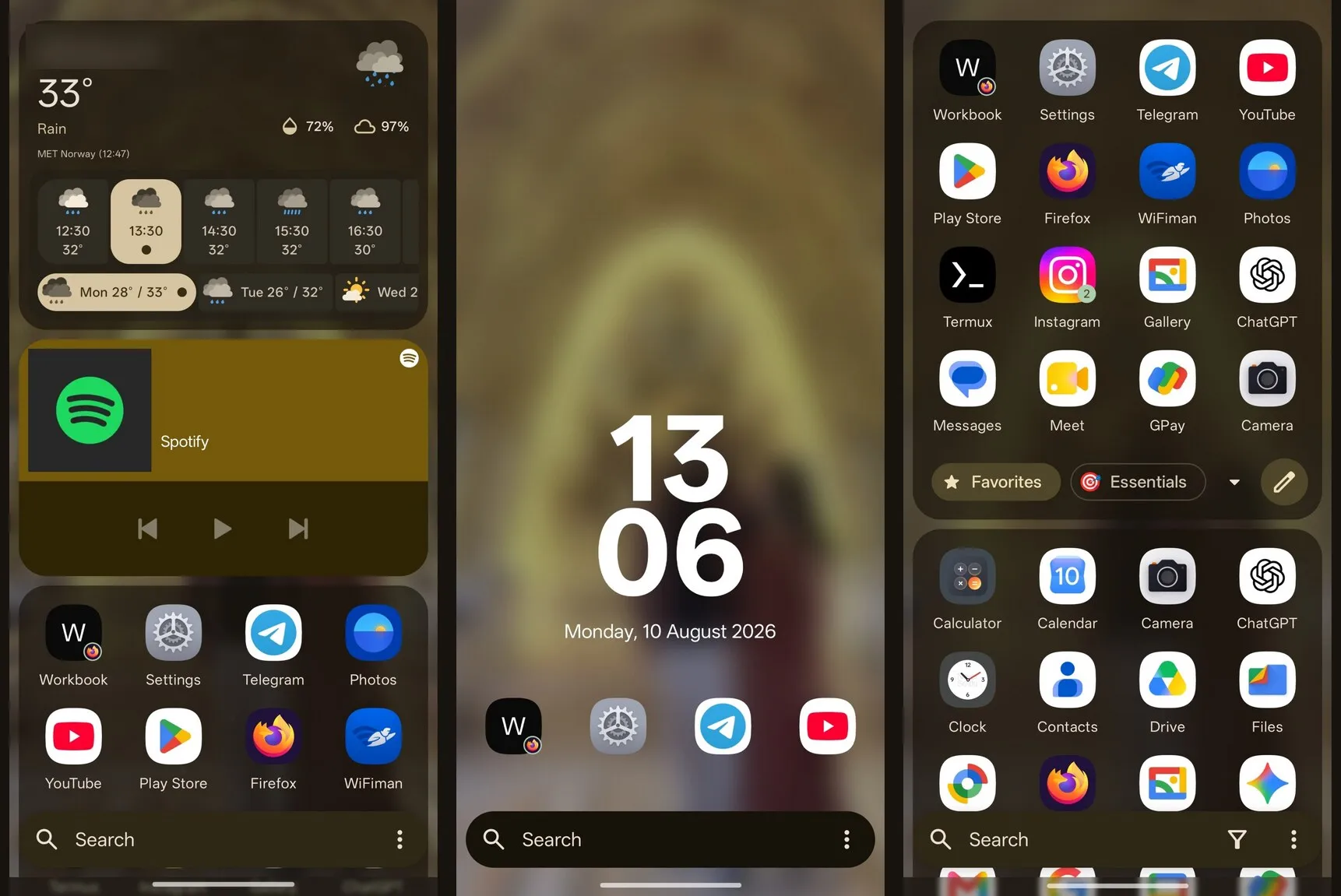
I added my own gestures too. Swiping down opens notifications because I refuse to stretch my gentle fingers across a 6-point-something-inch display every time somebody sends me a message. Swiping up opens my calendar, because my day-to-day life is governed almost entirely by my work calendar.
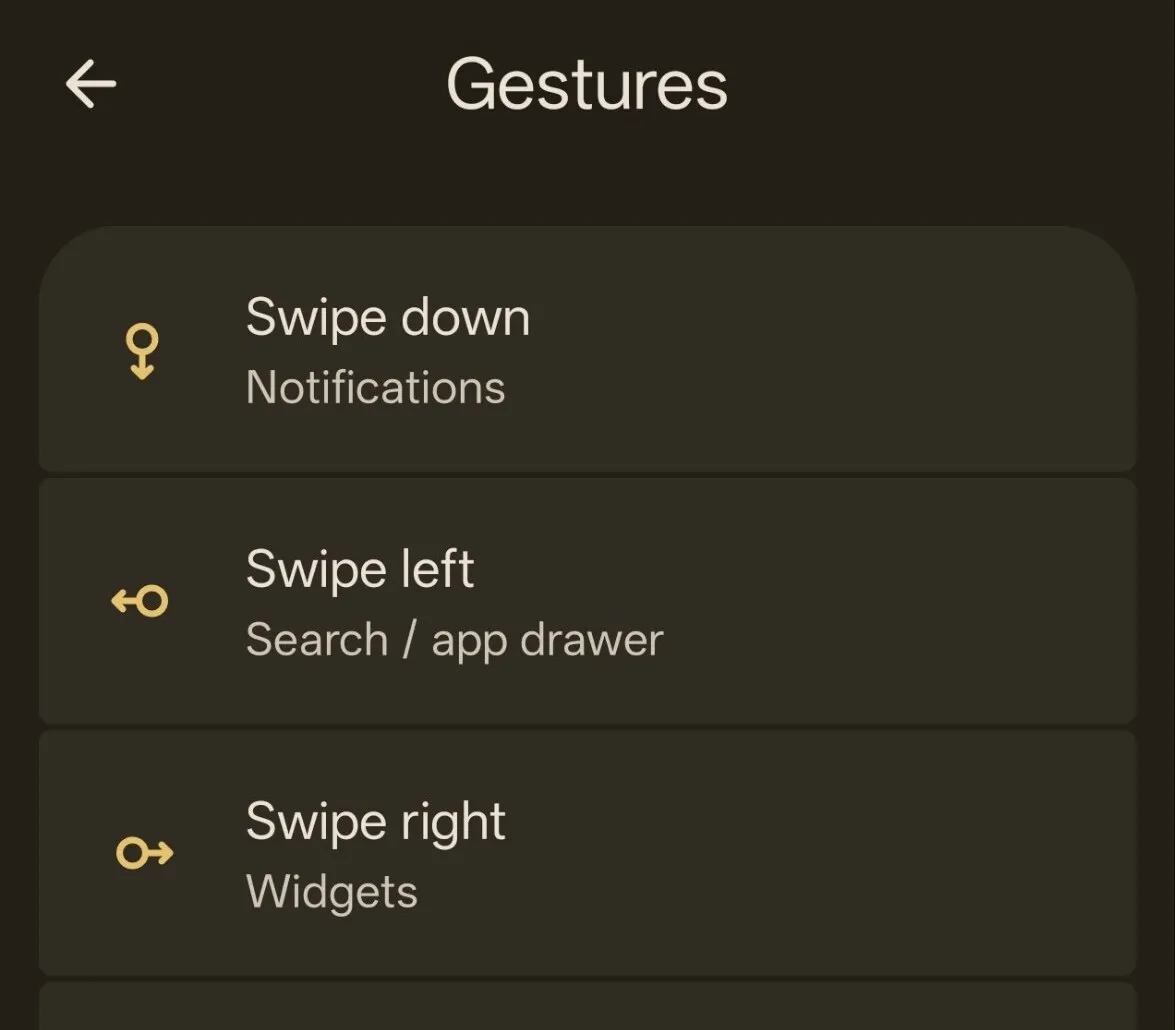
None of this is revolutionary. That is precisely the appeal. Instead of adapting myself to the launcher, I adapted the launcher to me.
Termux is still more of an experiment than an established part of my workflow. The immediate goal is SSH access to my home lab once I am connected through the VPN, turning the phone into a useful emergency console rather than merely a screen for consuming things.
I am still exploring that setup, so I will resist pretending it is already life-changing. If it works as well as I hope, it will get a blog of its own.
I was not trying to build the purest Android phone. I was trying to build my Android phone.
The hardware payoff
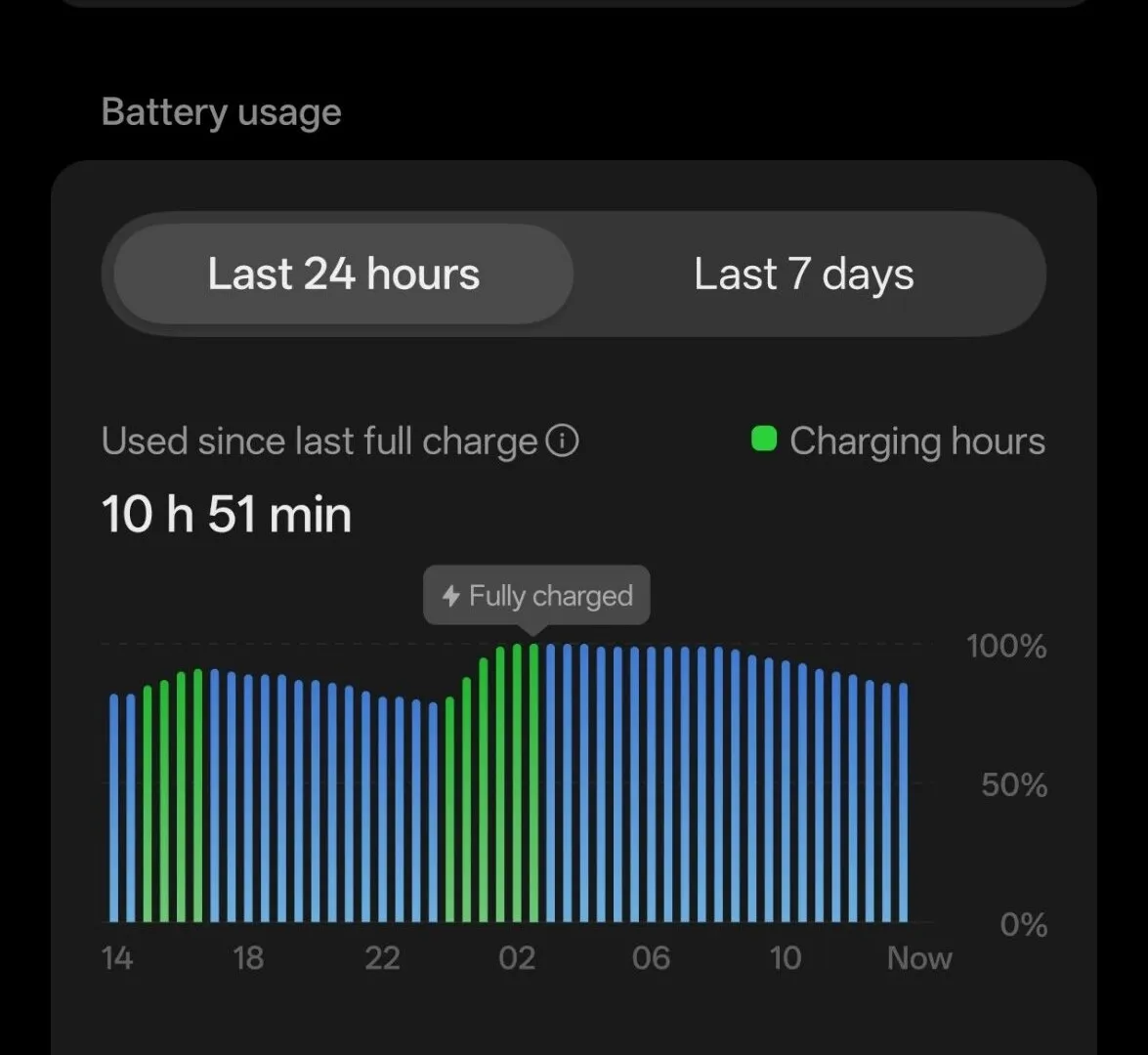
The battery has been amazing so far, although I have done a terrible job of measuring it. I charged the phone to 100% once, then repeatedly plugged it into my laptop while poking at it over ADB. It has not dropped below 90% yet.
This is not a battery-life benchmark—the laptop has been quietly topping it up throughout the experiment—but it has been reassuring. There is also something poetic about USB-C, one of my reasons for switching, making every debugging session double as a convenient charge.
The display is excellent. I immediately set the refresh rate to High, although I have yet to find anything that actually reaches the advertised 165 Hz. For now, it is a very impressive number waiting for an equally ambitious workload.
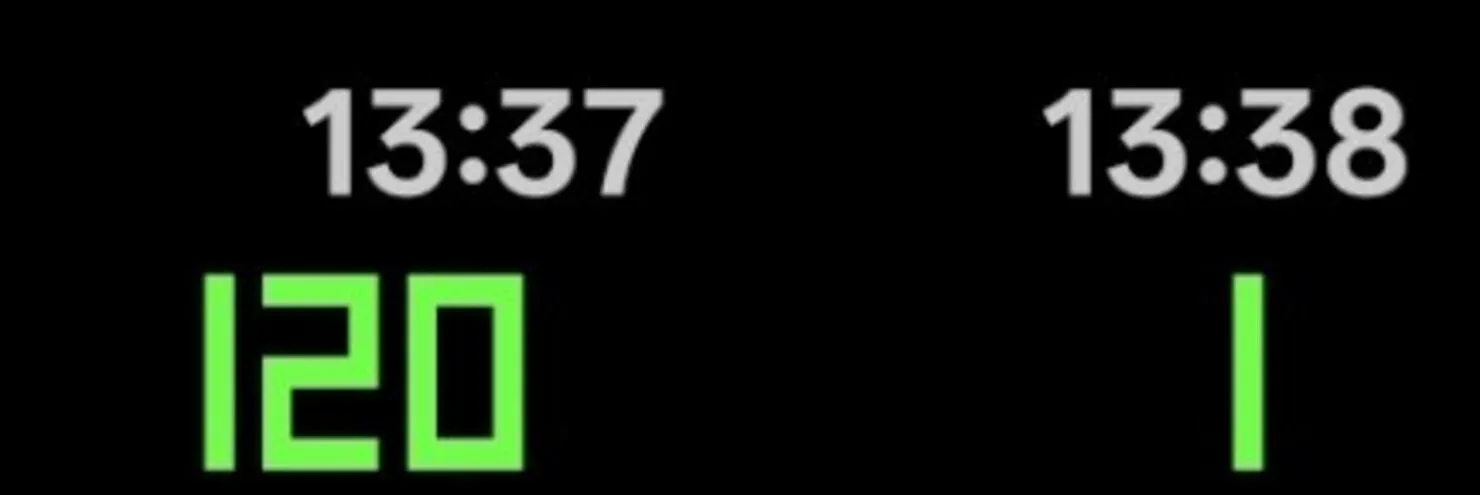
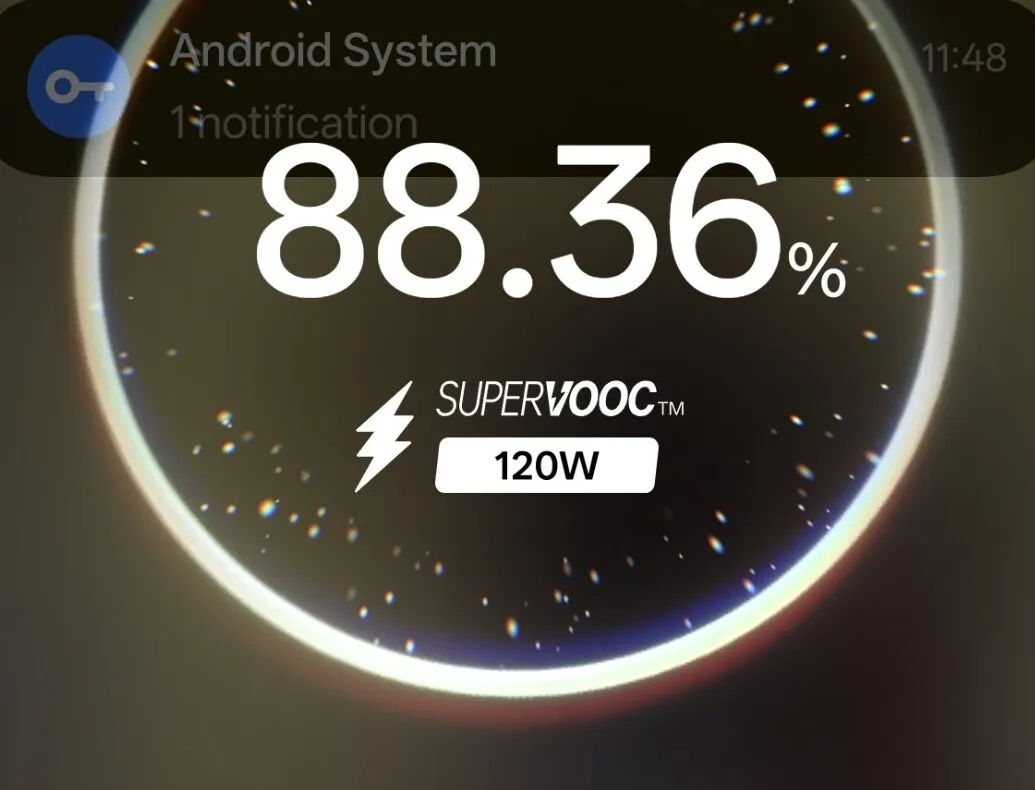
SuperVOOC charging is the more obvious hardware flex. The idea of 120 watts pumping into a phone still sounds slightly irresponsible, but it does it. Between that and the laptop quietly charging it during every ADB session, I have barely had an opportunity to watch the battery go down.
The camera is… meh. Alright.
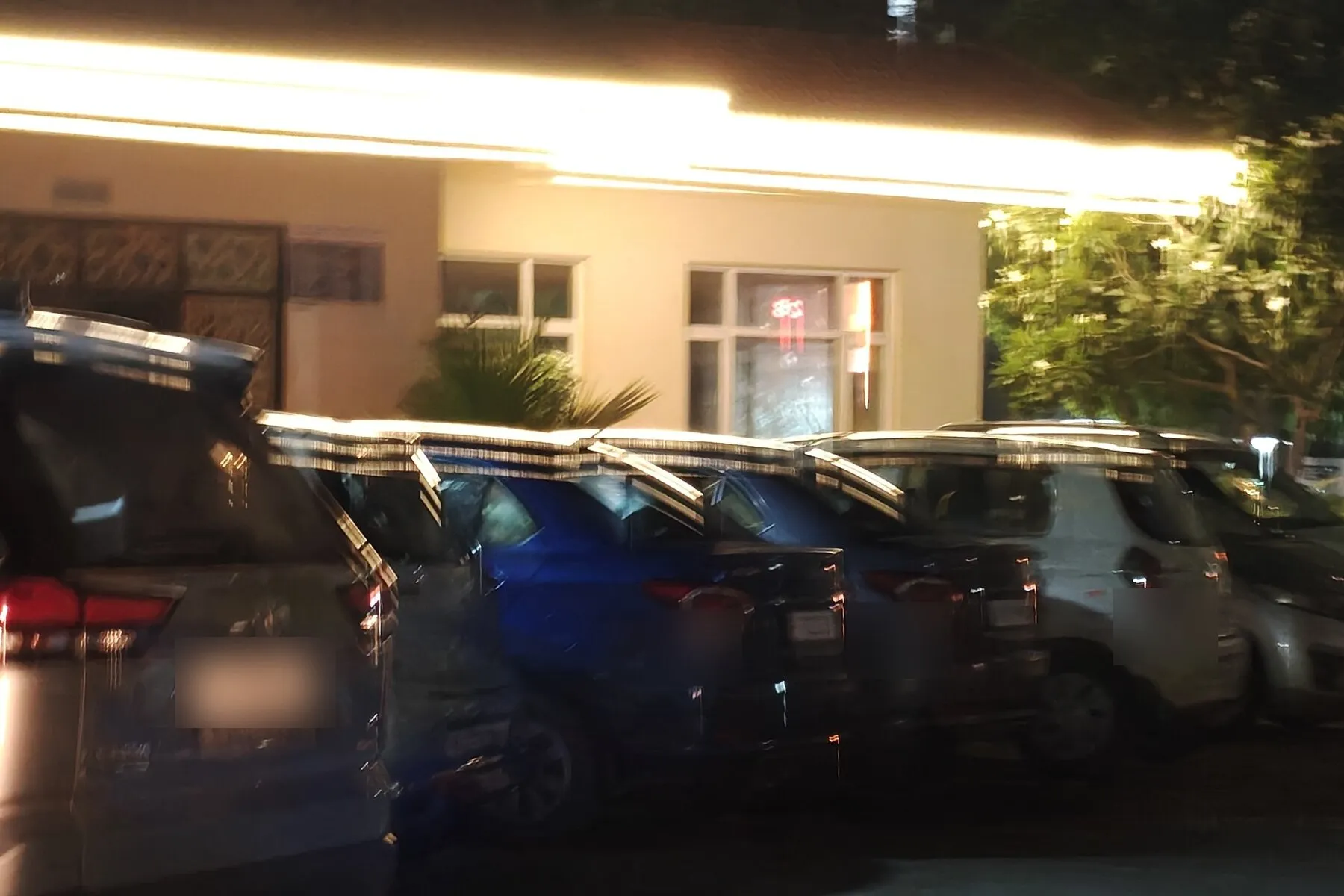
A casual photo taken on the move at night—not exactly a controlled camera test either.
In fairness, I came from an iPhone Pro. Whatever my complaints about the rest of the phone, Apple sets a very high bar for cameras—particularly for consistently producing a good photo without asking me to think about it. In comparison, the OnePlus camera feels merely adequate.
I have not passed a final verdict yet. Android gives me the option of experimenting with non-stock camera apps, and that rabbit hole deserves a blog of its own: camera-maxxing the OnePlus 15 to find out what its hardware can really do.
Stay subscribed for that one. For now, the camera remains the clearest reminder that even my least compromised compromise is still a compromise.
What I left behind
Leaving a walled garden still means leaving some genuinely good things inside it.
AirDrop was the first casualty. I miss it—or, more accurately, I miss the times when it worked. FaceTime is the more significant loss. I had grown quite fond of it, and Android does not offer a perfectly frictionless replacement when the people you call are still using Apple devices.
Then there is Apple Passwords and iCloud Keychain, where years of credentials have accumulated, along with all the accounts for which I casually pressed “Sign in with Apple.” Untangling that may become the most boring and painful part of this migration.
Whatever inconvenience the future is holding for me, I shall stand my ground.
I assembled a collection of tools from different places, kept the parts that served me, and removed—or at least suspended—the parts that did not. I had not escaped the garden; I had planted one of my own.